in development · 2026
Top Set Form Check
Solo Developer · iOS
AI-powered form analysis for barbell lifts. Record a set, get an instant grade with phase-by-phase feedback, coaching cues, and safety flags. Track your technique over time.
Tech Stack
Swift, SwiftUI, SwiftData, Vision, AVFoundation
Fitness, Health, Strength Training, AI
About Top Set Form Check
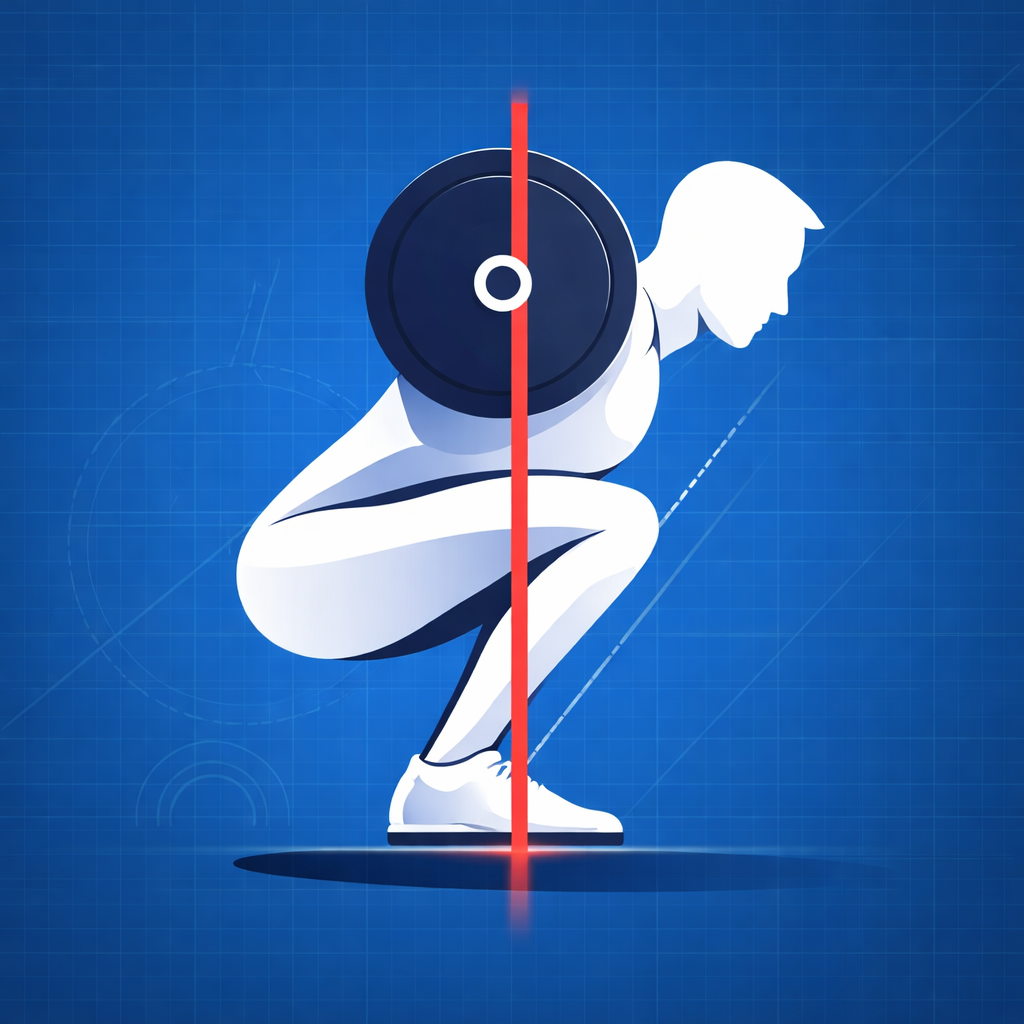
Top Set Form Check uses AI to analyze your barbell lifting form from video. Record a set or import a clip, choose the lift, and get a detailed breakdown of your technique in seconds.
The app grades your form from A to F, walks through each phase of the lift, flags safety concerns, and gives you coaching cues to fix what needs work. Track your grades over time and see whether your technique is actually improving.
Features
AI Form Analysis
Record or import a video of your lift and the app analyzes your form using pose detection and AI. You get back:
- Overall grade (A through F)
- Phase-by-phase breakdown — Setup, Descent, Bottom, Ascent, and Lockout each graded individually with specific feedback
- Main issues — Up to three categorized form problems with descriptions
- Safety flags — Warnings about injury risk
- Coaching cues — Actionable tips to improve your next set
- Rep count — Number of visible reps detected
- Footage quality check — Tells you if your camera angle or lighting needs improvement
Pose Detection Overlay
Apple Vision framework detects your body pose in each frame and renders a skeleton overlay on the video so you can see exactly how you are moving through the lift.
Supported Lifts
Form guides and analysis for nine barbell movements:
- Back Squat
- Front Squat
- Bench Press
- Deadlift
- Overhead Press
- Barbell Row
- Romanian Deadlift
- Clean
- Snatch
Form Guides
Each lift includes a detailed guide covering setup, stance, execution, common mistakes, and variations. Use these as a reference before you record or to better understand the feedback.
Progress Dashboard
Track your technique over time with:
- Grade trend charts per lift
- Personal bests
- Recurring issue tracking
- Phase grade averages
- Sessions per week
Video Recording and Import
Record directly in the app with a simple interface, or import existing clips from your camera roll. Videos are trimmed to keep analysis focused on the working set.
Share Your Results
Export your video with a grade overlay or generate a report card image to share with your coach or training partners.
Top Set Form Check Pro
Free users get 3 form analyses to try the app. Pro unlocks:
- Unlimited analyses
- Ask about this result — AI chat where you can ask follow-up questions about your form, get drill suggestions, or dig deeper into specific issues
- Progress notes — AI-generated summaries comparing your current session to past sessions
Available as a weekly subscription, monthly subscription, or lifetime purchase.
Built for the Gym
- No account required
- Dark interface designed for gym lighting
- Haptic feedback
- Fast workflow — record, analyze, get back to lifting
Support
Frequently Asked Questions
What lifts can I analyze? The app supports nine barbell lifts: back squat, front squat, bench press, deadlift, overhead press, barbell row, Romanian deadlift, clean, and snatch.
How should I position my phone for the best results? Place your phone at roughly hip height, perpendicular to the direction you are lifting, with the full range of motion visible in frame. A stable surface or tripod gives the best results. The app will tell you if your camera angle or footage quality is not ideal.
Can I use videos I have already recorded? Yes. You can import any video from your camera roll to analyze.
How does the analysis work? The app uses Apple’s Vision framework to detect your body pose locally on your device. Video frames are then sent to a cloud-based AI service for detailed form analysis. Results are returned in seconds.
Does the app need an internet connection? Yes, an internet connection is required for form analysis since frames are sent to a cloud AI service. Video recording, playback, history, and form guides work offline.
How many free analyses do I get? Free users get 3 form analyses. After that, a Pro subscription or lifetime purchase is required for unlimited analyses.
Is my data backed up? Videos and analysis results are stored locally on your device. They are not synced to the cloud or backed up automatically.
Troubleshooting
Analysis not returning results? Check your internet connection. The form analysis requires sending video frames to a cloud service. If you are on a slow connection, the analysis may take longer.
Pose overlay not showing? Make sure your full body is visible in the video and the camera angle is from the side. Poor lighting or obstructed views can affect pose detection.
App crashing or freezing? Try closing and reopening the app. If the problem persists, try deleting and reinstalling. Your saved videos and analysis history are stored locally and will be lost if you reinstall.
Contact Support
If you’re experiencing issues not covered above, or have feedback or feature requests, please reach out:
Email: gregmcinnescontact@gmail.com
When contacting support, please include:
- Your device model (e.g., iPhone 15 Pro)
- iOS version (found in Settings > General > About)
- A description of the issue or feedback
- Screenshots if applicable
I typically respond within 1-2 business days.
Privacy
Top Set Form Check uses on-device pose detection and sends video frames to a cloud-based AI service for form analysis. No personally identifiable information is included in analysis requests. Videos and results are stored locally on your device. No analytics, advertising, or tracking services are used. For more details, see the Privacy Policy.